Connectors
Zendesk: connect step by step
Create the Zendesk OAuth client (or API token), paste it into Solvaro, sign in, and see your Cases queue.
10 min read
What you get
- Tickets assigned to you in Cases (sidebar) and Home.
- Ticket card with status, requester and Open in Zendesk.
- First response drafts and Insights metrics when the org uses Zendesk as the metrics source.
- Customer replies that pass the reply check before anything posts publicly.
Option A — OAuth (recommended for a team)
- In Zendesk Admin Center open Apps and integrations → APIs → OAuth clients → Add OAuth client.
- Client name: Solvaro. Redirect URL: the callback shown in Solvaro under Settings → Integrations → Zendesk (copy it exactly).
- Save. Copy the Unique Identifier (client id), the Client secret (shown once), and your subdomain (the label before .zendesk.com).
- In Solvaro: Settings → Integrations → Zendesk → Org Zendesk OAuth app. Paste Unique Identifier, Client secret and Subdomain. Save.
- Click Sign in with Zendesk. Approve access in the browser, then return to Solvaro.
- Open Cases. Use Refresh if a ticket you just assigned to yourself is not listed yet (the list also refreshes about every minute).
Option B — API token (single engineer)
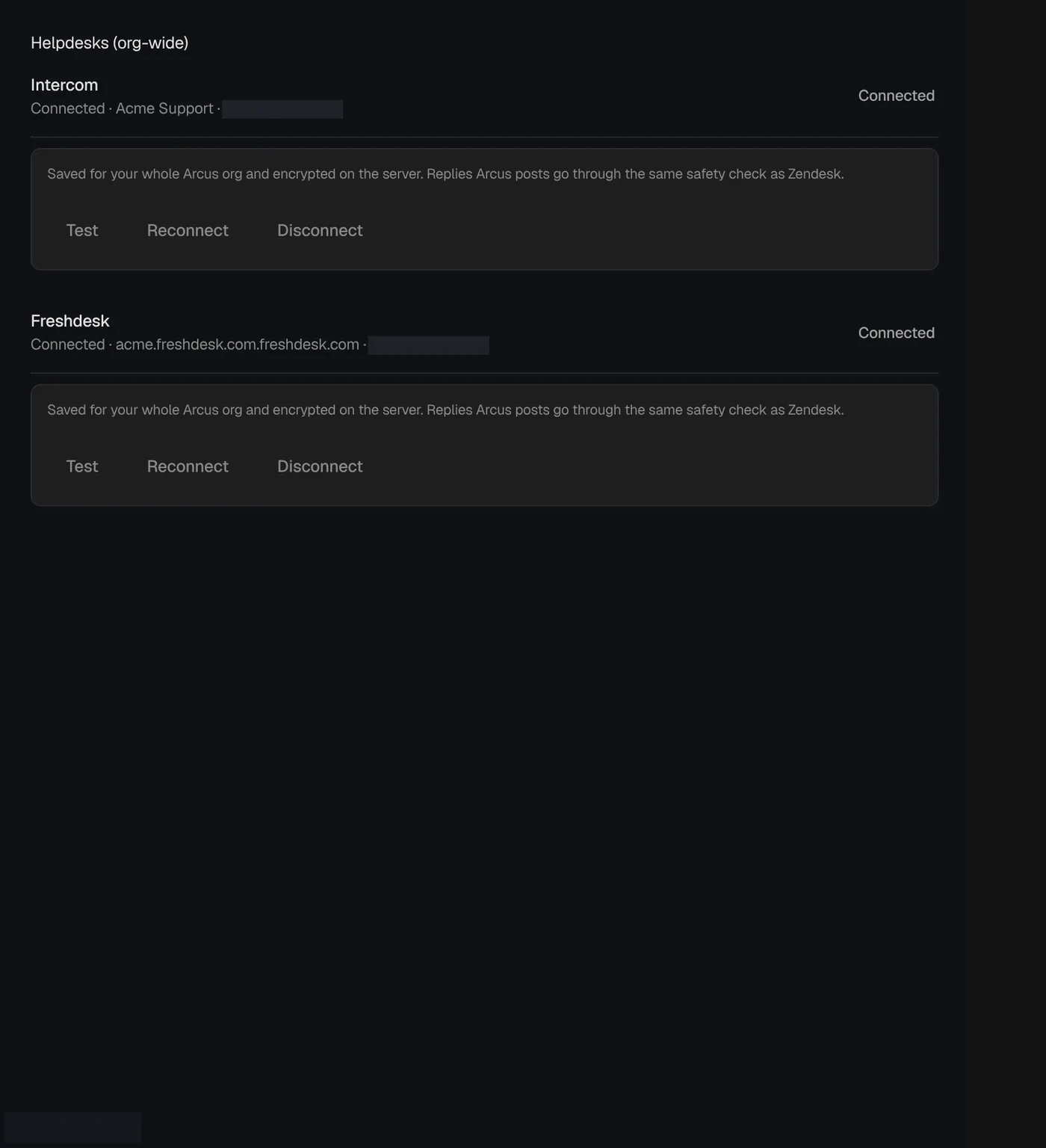
- In Zendesk: Admin Center → Apps and integrations → APIs → Zendesk API → add an API token.
- In Solvaro open Alternative credentials for Zendesk: subdomain, email, API token → Save & test.
- If Test fails, reconnect. Do not leave a failed token in place.
Empty Cases list?
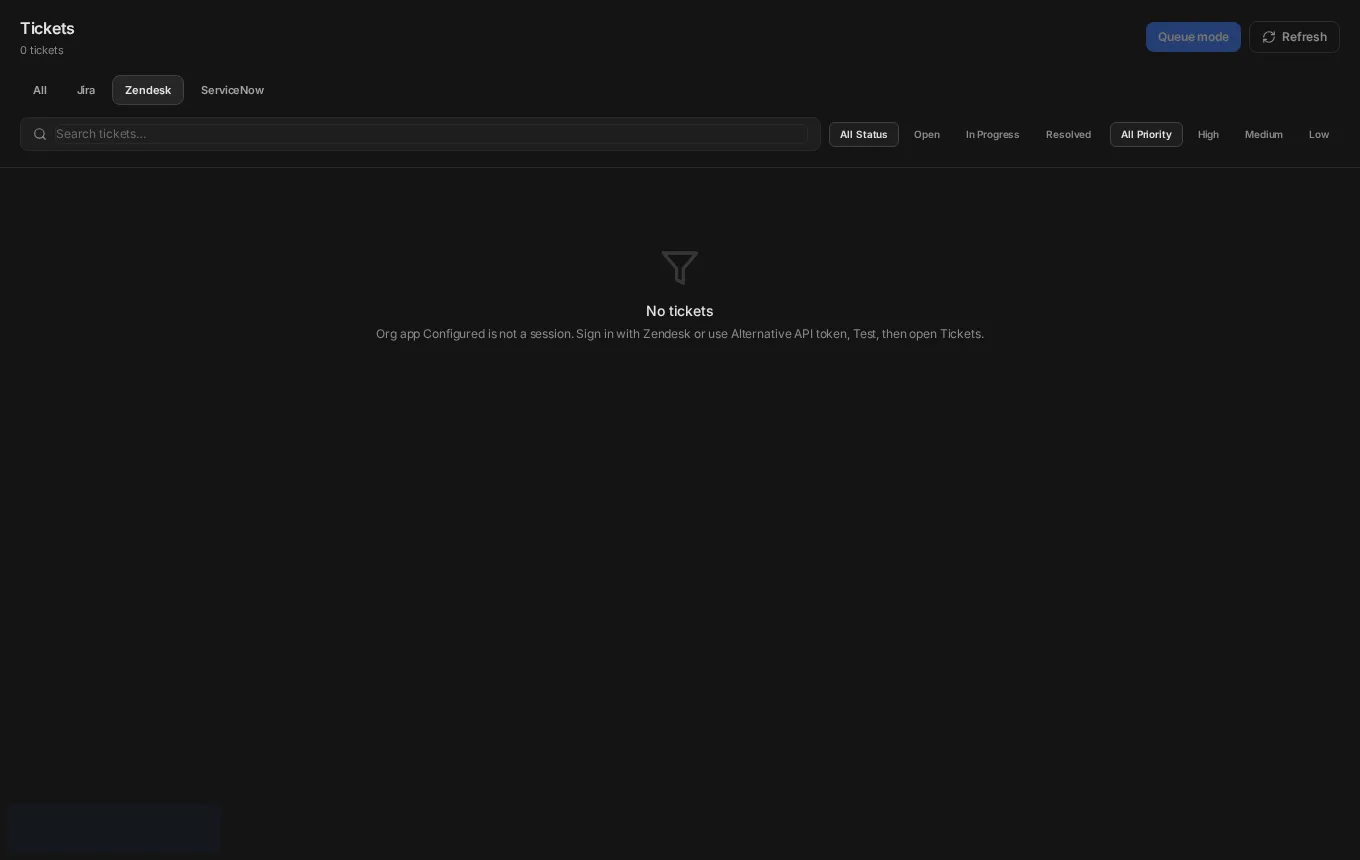
Cases only shows tickets assigned to the signed-in agent (or the filters you set). Assign a ticket to yourself in Zendesk, then Refresh in Cases. If nothing is connected, you see a clear empty state instead of a blank panel.
Next
Cases: your assigned tickets
The Cases sidebar lists tickets assigned to you across connected helpdesks, with refresh and ticket cards.
Customer reply and verifier
Draft a reply, run the reply check (verifier), and only then post when external posts are on.
Jira: tickets and filing bugs
Connect Jira for the queue and for File bug. Email + API token works today; org OAuth is optional.