Using Solvaro
Case Memory and Déjà Vu
Your team’s confirmed fixes come back the next time the same symptom shows up.
4 min read
What it is
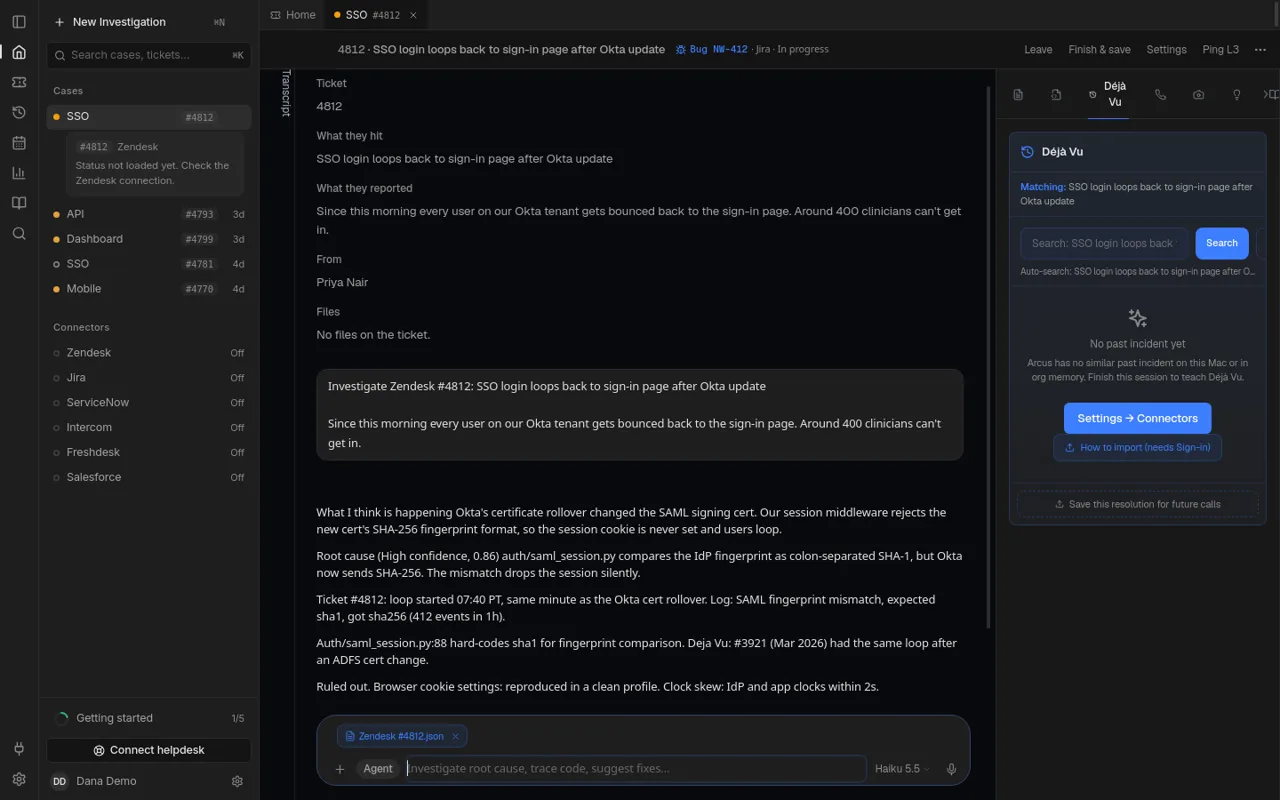
Case Memory keeps your org’s finished investigations: the symptom, the root cause and what fixed it. When a new case looks like an old one, Solvaro brings the old case into the investigation (“seen before”) and into the Déjà Vu tab on the right of a case.
How it learns
- Finish an investigation. It is saved as an unrated candidate for your org only.
- Rate the answer with thumbs up or down under it. Confirmed answers become trusted memories that later investigations can use.
- Next time, matching cases appear with their fix. In Insights, root-cause accuracy shows how often confirmed answers were right.
Déjà Vu tab
Open a case and choose the Déjà Vu tab. It searches automatically with the case symptom; you can also type your own search. A new org sees “No past incident yet” until the first cases are finished and rated.
Knowledge
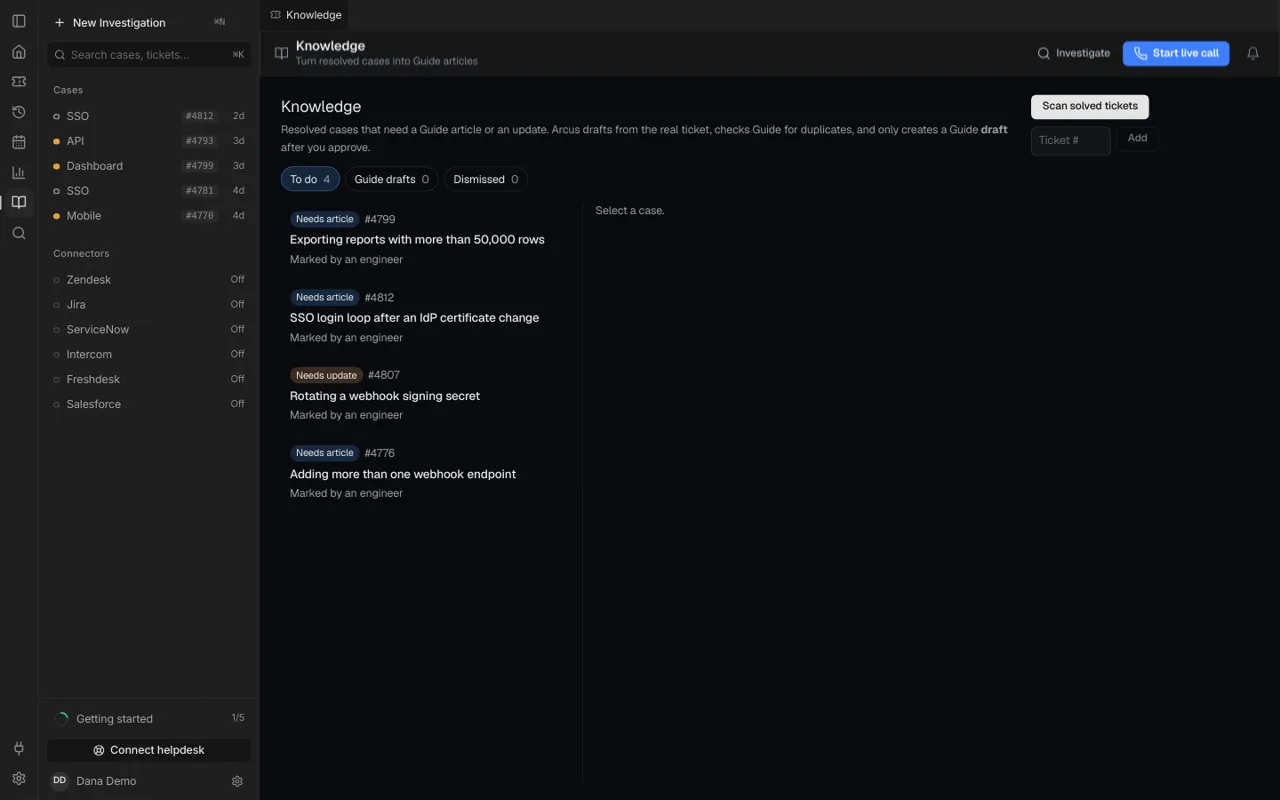
Knowledge in the sidebar lists resolved cases that need a help-center article or an update. See Publish a knowledge article.
Privacy and control
- Case Memory is per org. Nothing is shared between orgs.
- Personal data is redacted before a case is stored.
- Admins can view, export, delete single cases or purge everything, and every access is audited.
- Case Memory is turned on per org. Ask us if you do not see it.