Using Solvaro
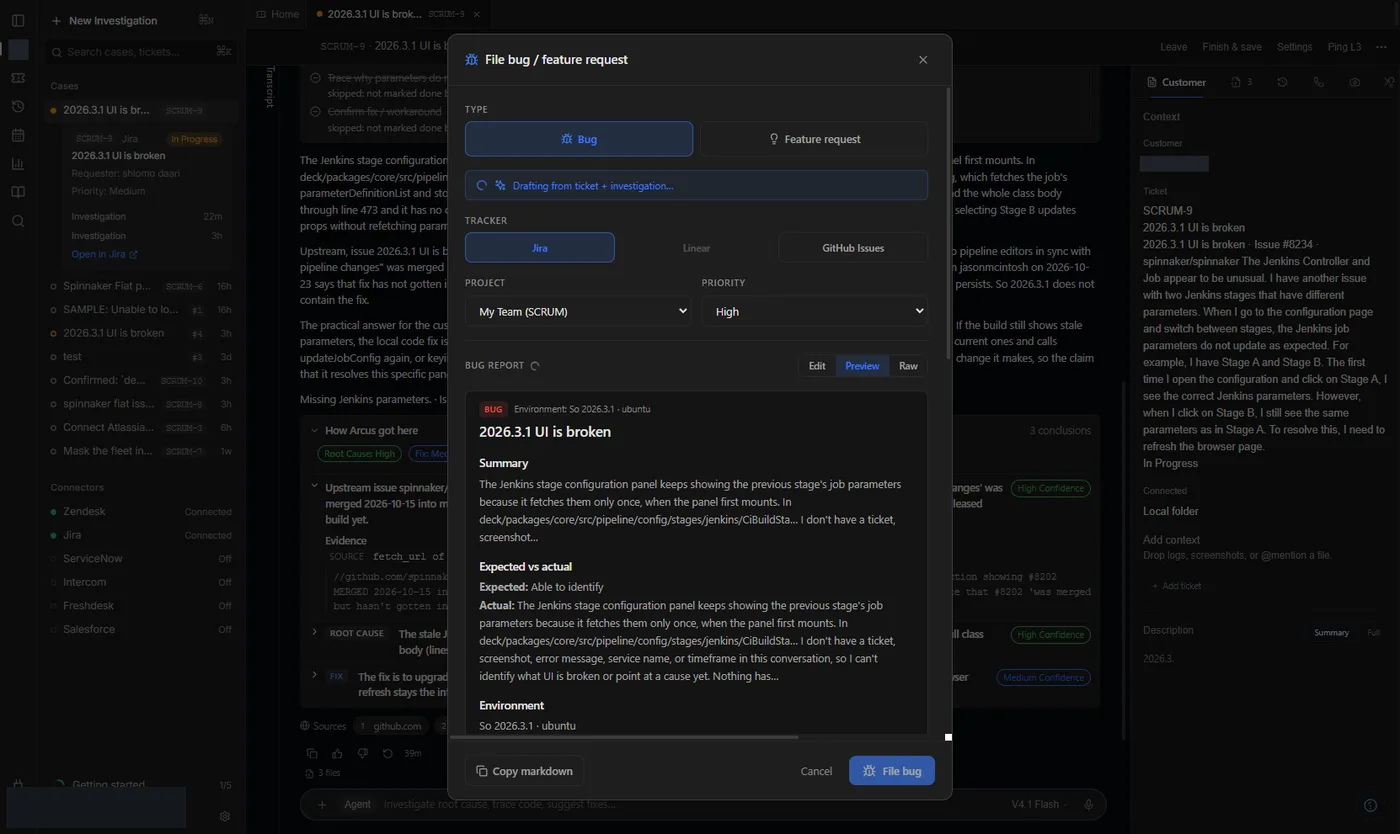
File a bug
Turn the investigation into a bug draft. Copy puts it on the clipboard. Created means the tracker accepted it.
6 min read
Copy vs Created
Copy markdown puts the draft on your clipboard. Created appears only after a connected tracker accepts the create.
Steps
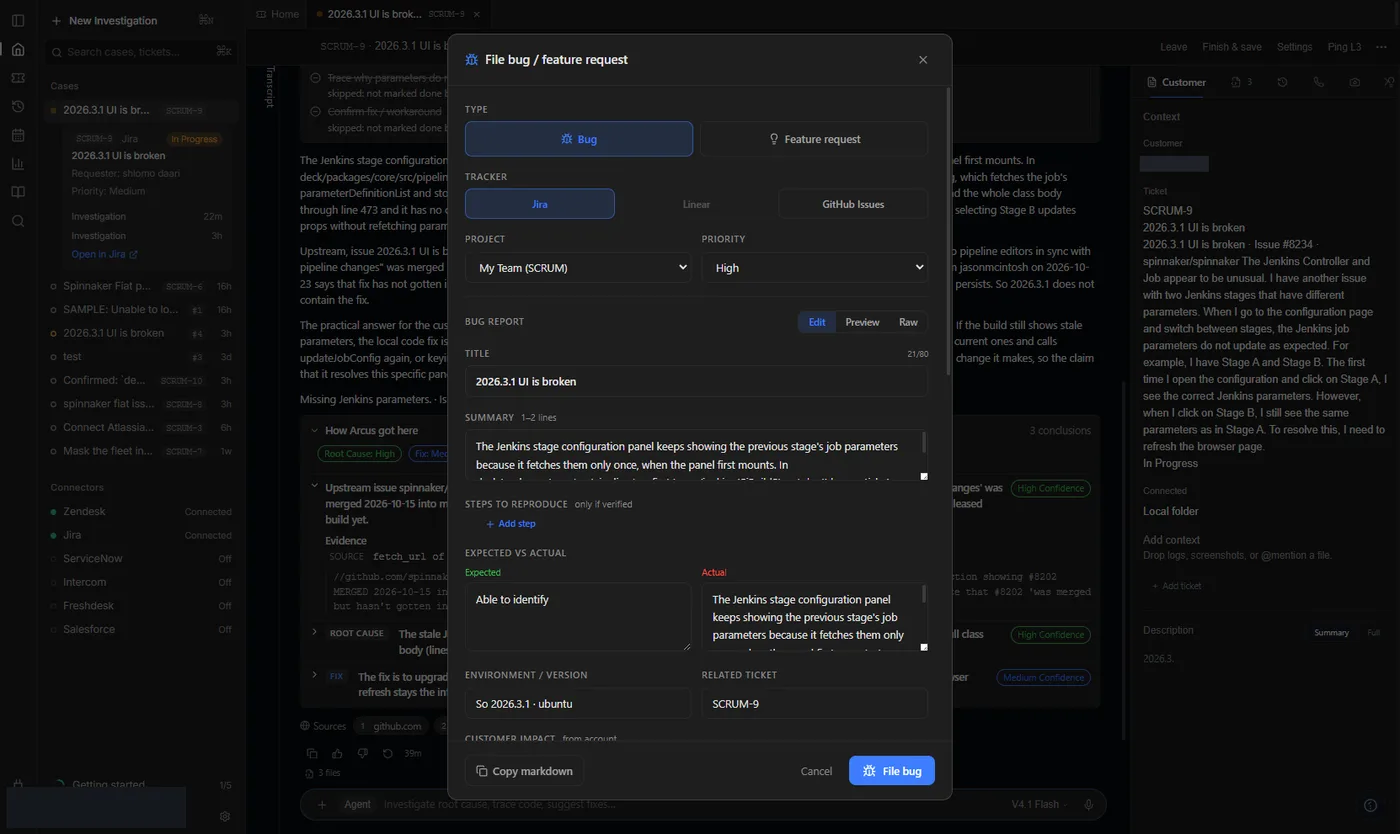
- From an investigation open File bug.
- Edit title, reproduction, expected vs actual, and evidence links.
- Open Preview and read it as engineering will.
- Copy markdown, or select the Jira project and create when posts are on.