Connectors
ServiceNow: incidents and work notes
Connect a ServiceNow instance for incidents, work notes and first response.
8 min read
What you get
- Incidents in Cases and Investigate.
- First response work notes on new incidents.
- Guarded public additional comments when posts are on.
Connect
- Ask an instance admin to register an OAuth application (System OAuth → Application Registry → Create an OAuth API endpoint for external clients), or use username + password / token fields while OAuth is pending.
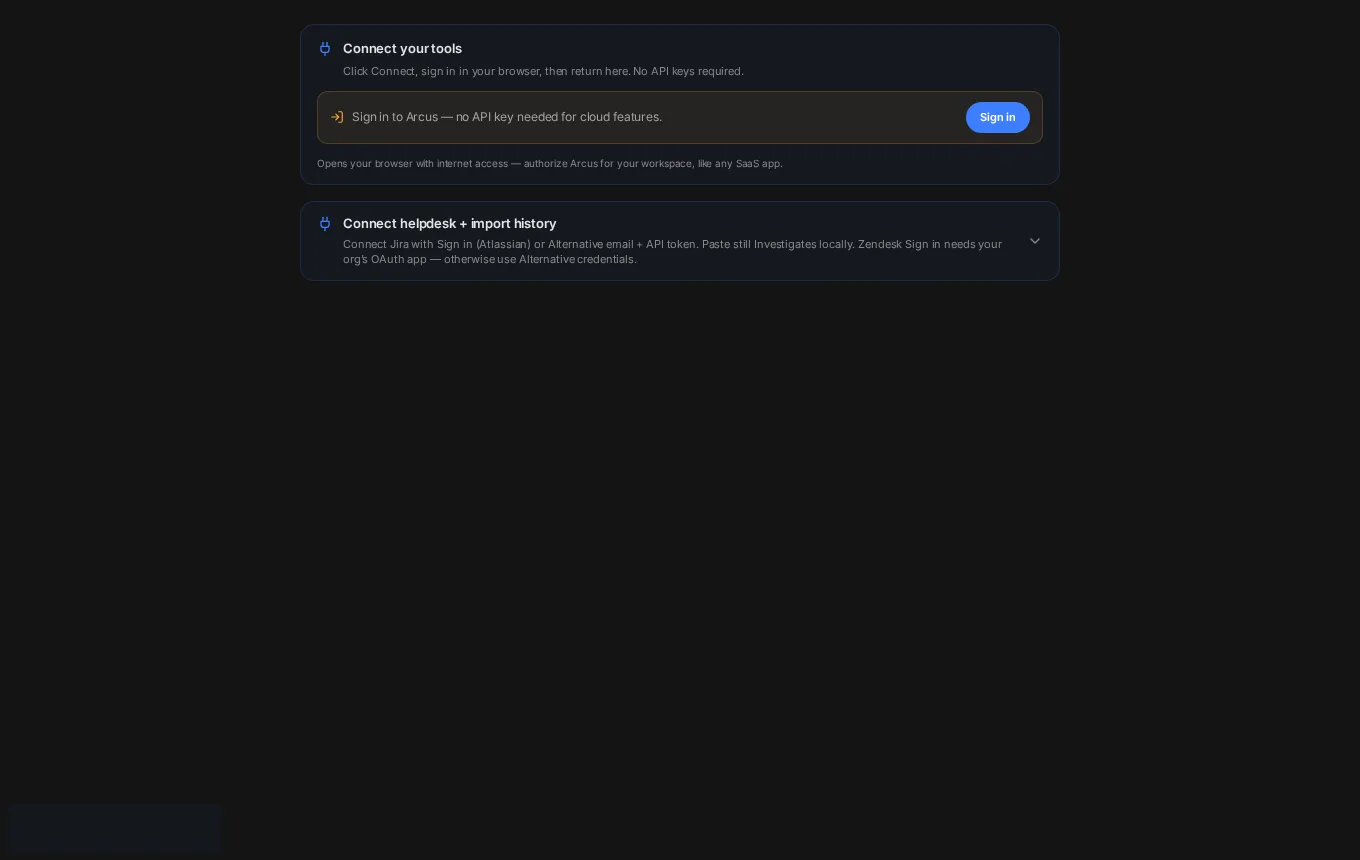
- In Solvaro: Settings → Integrations → ServiceNow. Paste instance URL and credentials → Save & test.
- Sign in if your org uses OAuth. Confirm Cases lists incidents assigned to you.
- Turn on first response under the First response settings when you want automatic internal notes.
Public vs internal
Default is Internal (work note). Public maps to an additional comment the requester can see. External posts must be ON, and the reply check must pass.
Next
First response on new tickets
An internal note on every new Zendesk or ServiceNow ticket within seconds, and a guarded public reply draft.
Customer reply and verifier
Draft a reply, run the reply check (verifier), and only then post when external posts are on.
Connect your helpdesk and tools
What connects today, how to connect it, and what is not there yet.